Download 365in APK
Get the latest 365in Android app in under two minutes. Follow the simple 3-step install guide below, check the system requirements, and claim your ₹10,000 welcome bonus the moment you register.
Latest Version: v4.2.1 · 28.4 MB · Android 5.0+
Install in 3 simple steps
No root, no technical skills — just download, allow installs and register.
Download the APK
Tap the download button to get the latest 365in Android app (v4.2.1, 28.4 MB). The file saves to your Downloads folder in just a few seconds.
Enable Unknown Sources
Android blocks installs from outside the Play Store by default. Allow it once:
- Open Settings → Security (or Apps → Special access).
- Tap Install unknown apps and choose your browser.
- Toggle Allow from this source on.
Register & Claim
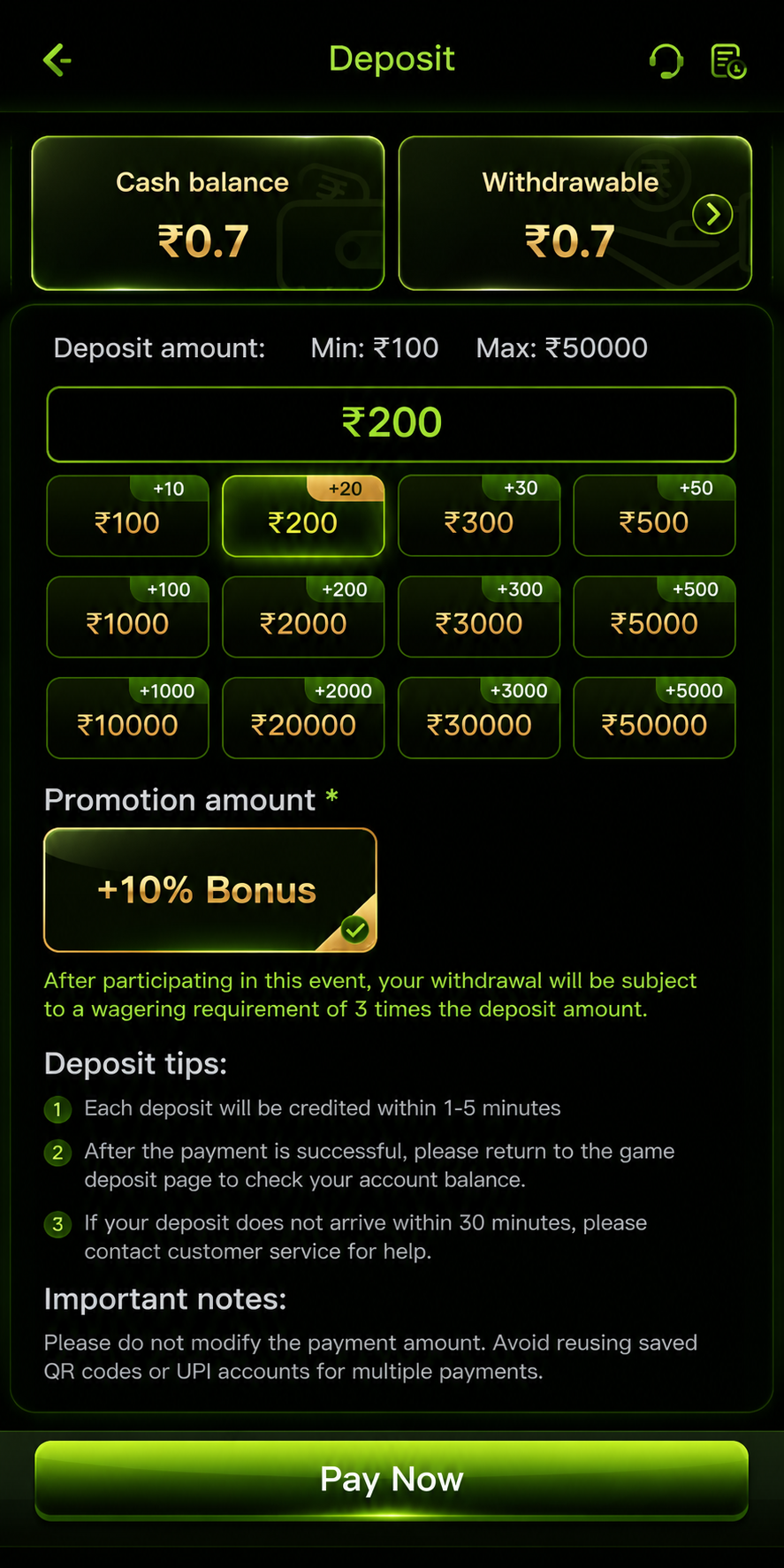
Open the downloaded APK to install, sign up with your mobile number, make your first deposit and your ₹10,000 welcome bonus is credited instantly.
System requirements
The 365in app is lightweight and runs smoothly on almost any modern Android device.
Version history
We ship updates regularly to keep the app fast, secure and packed with new games.
| Version | Date | Size | What's New |
|---|---|---|---|
| v4.2.1 | 12 Nov 2025 | 28.4 MB | Faster UPI withdrawals, new fishing games and crash-game stability fixes. |
| v4.1.0 | 24 Sep 2025 | 27.9 MB | Added live casino lobby, dark-mode polish and improved search. |
| v4.0.2 | 30 Jul 2025 | 27.1 MB | Referral dashboard redesign and reduced app start-up time. |
| v3.9.5 | 15 May 2025 | 26.6 MB | New slots from top studios and bug fixes for low-RAM devices. |
| v3.9.0 | 28 Mar 2025 | 26.2 MB | One-tap deposit flow, security hardening and Aviator auto cash-out. |
Troubleshooting common install errors
Most installation problems have a simple fix. Find your error below and follow the steps.
"Parse error" or "App not installed"
This usually means the APK file downloaded incompletely. Delete the file from your Downloads folder and download it again on a stable Wi-Fi connection. Make sure you have at least 60 MB of free storage before starting.
"Install blocked — unknown sources"
Android requires a one-time permission to install APK files. Go to Settings → Security → Install unknown apps, select your browser (Chrome or Firefox), and turn on "Allow from this source". Then open the APK again.
"Conflicting package" when updating
If a very old version of 365in is installed, the updater may conflict. Uninstall the old app first (your account is stored on the server, not the device), then install v4.2.1 fresh. Log in with your existing credentials.
App crashes immediately after launch
Restart your phone once, then reopen the app. If it still crashes, the file may be corrupted — delete and re-download. Make sure your Android version is 5.0 or newer (check in Settings → About phone).
Screen is blank or games won't load
The app requires an active internet connection with sufficient speed. Switch from mobile data to Wi-Fi if possible. If the problem persists, clear the app cache: Settings → Apps → 365in → Storage → Clear Cache.
UPI payment showing "pending"
Deposits typically complete in under 60 seconds on UPI. If your payment shows pending, do not initiate a second payment. Wait 5 minutes and check your wallet balance. If the amount is still not credited, contact support at affiliate@get365in.net.
App screenshots
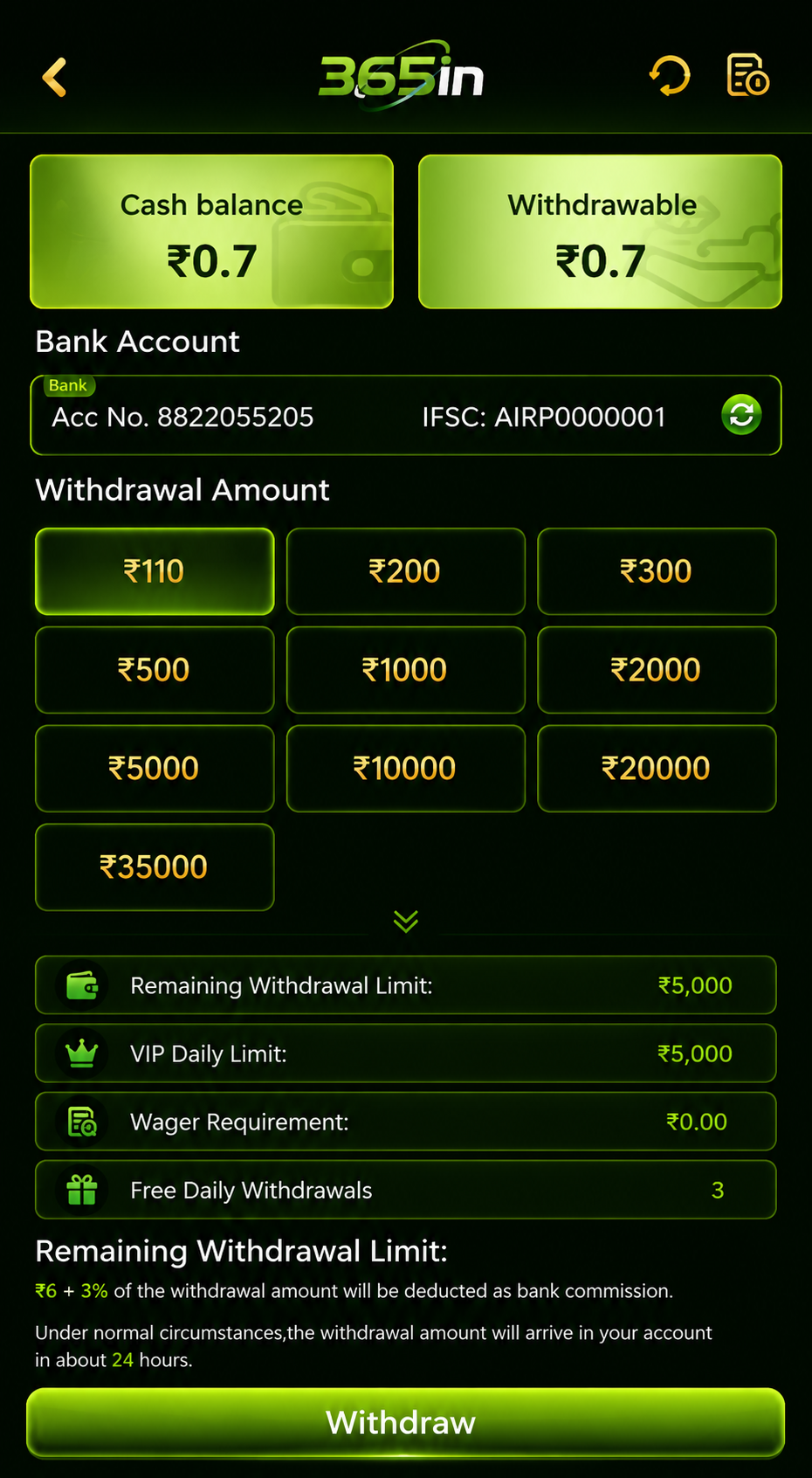
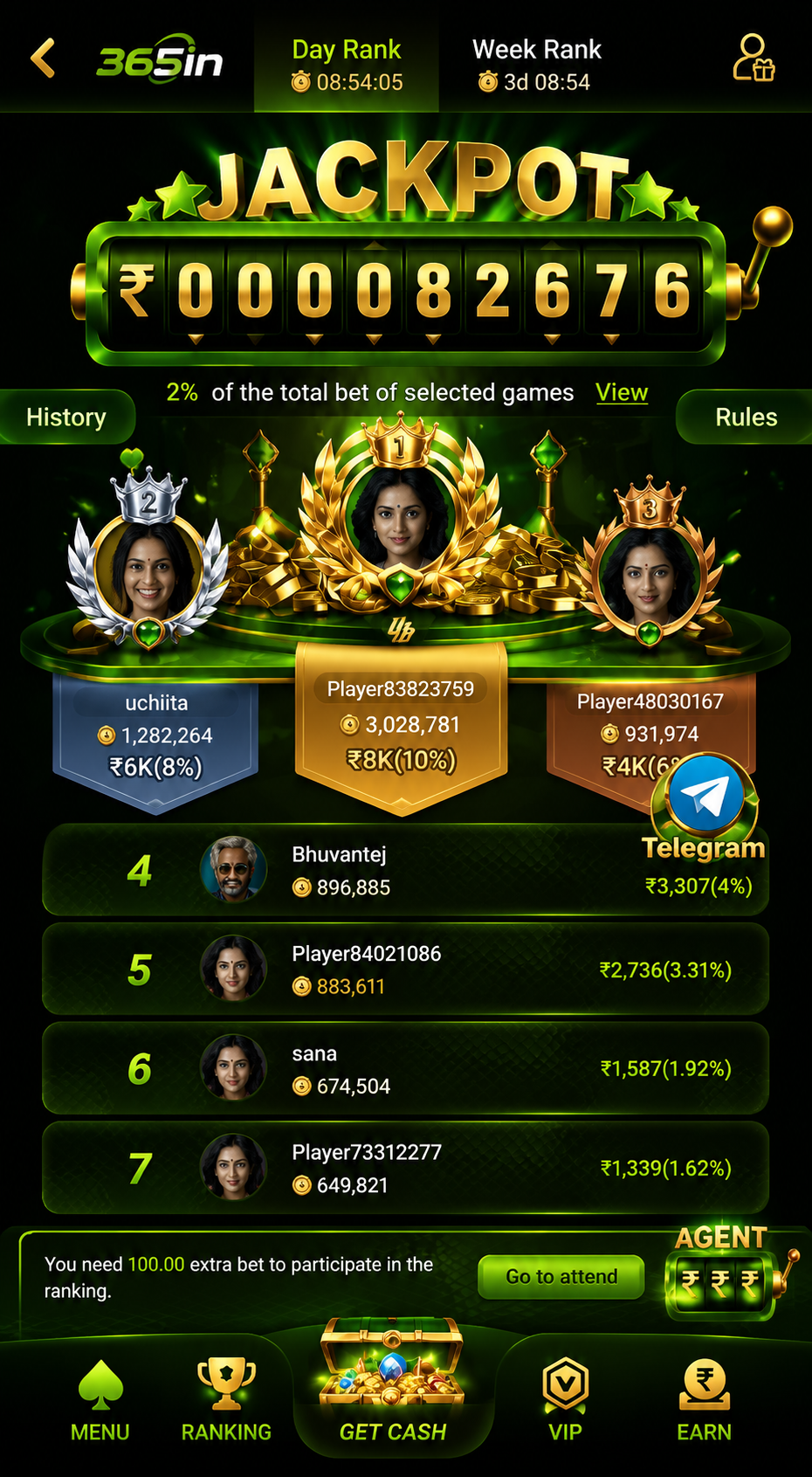
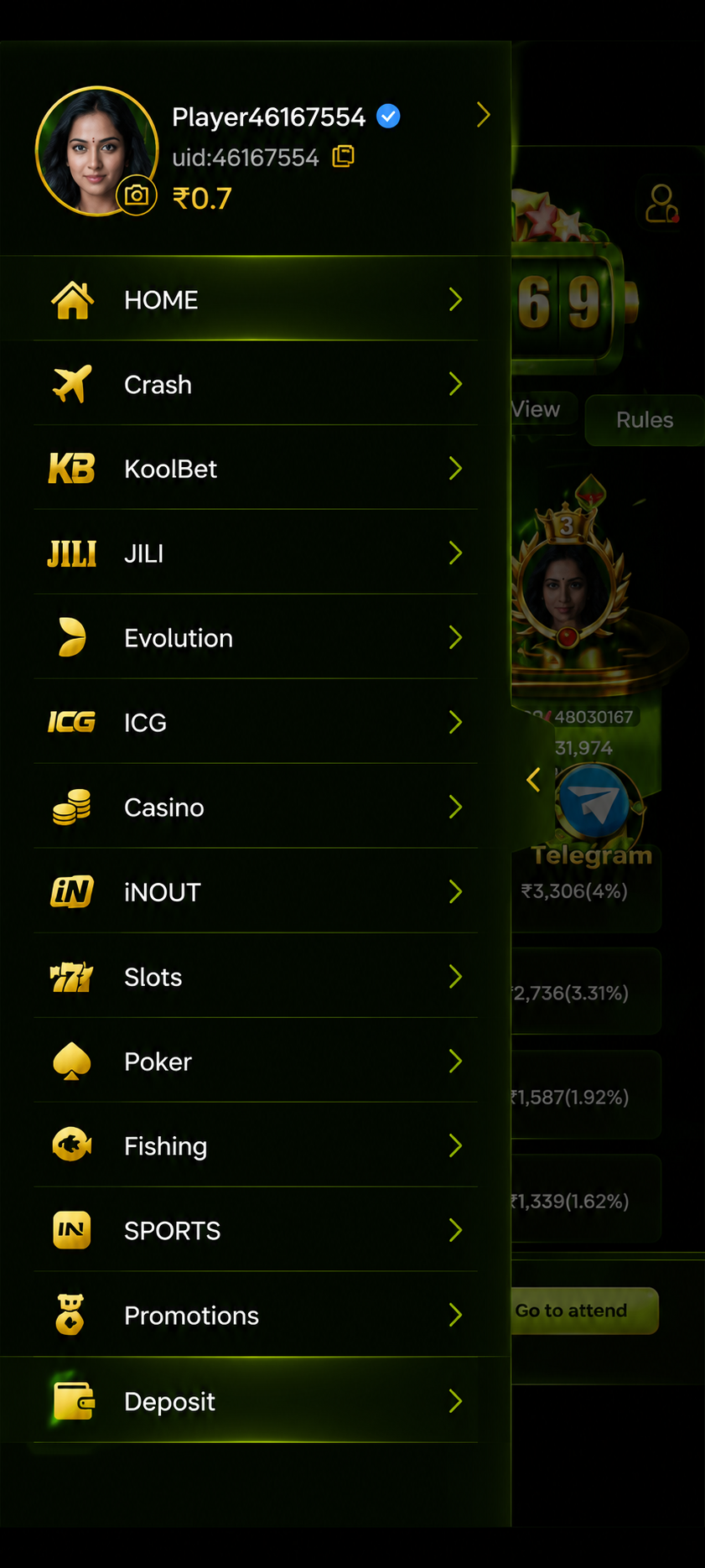
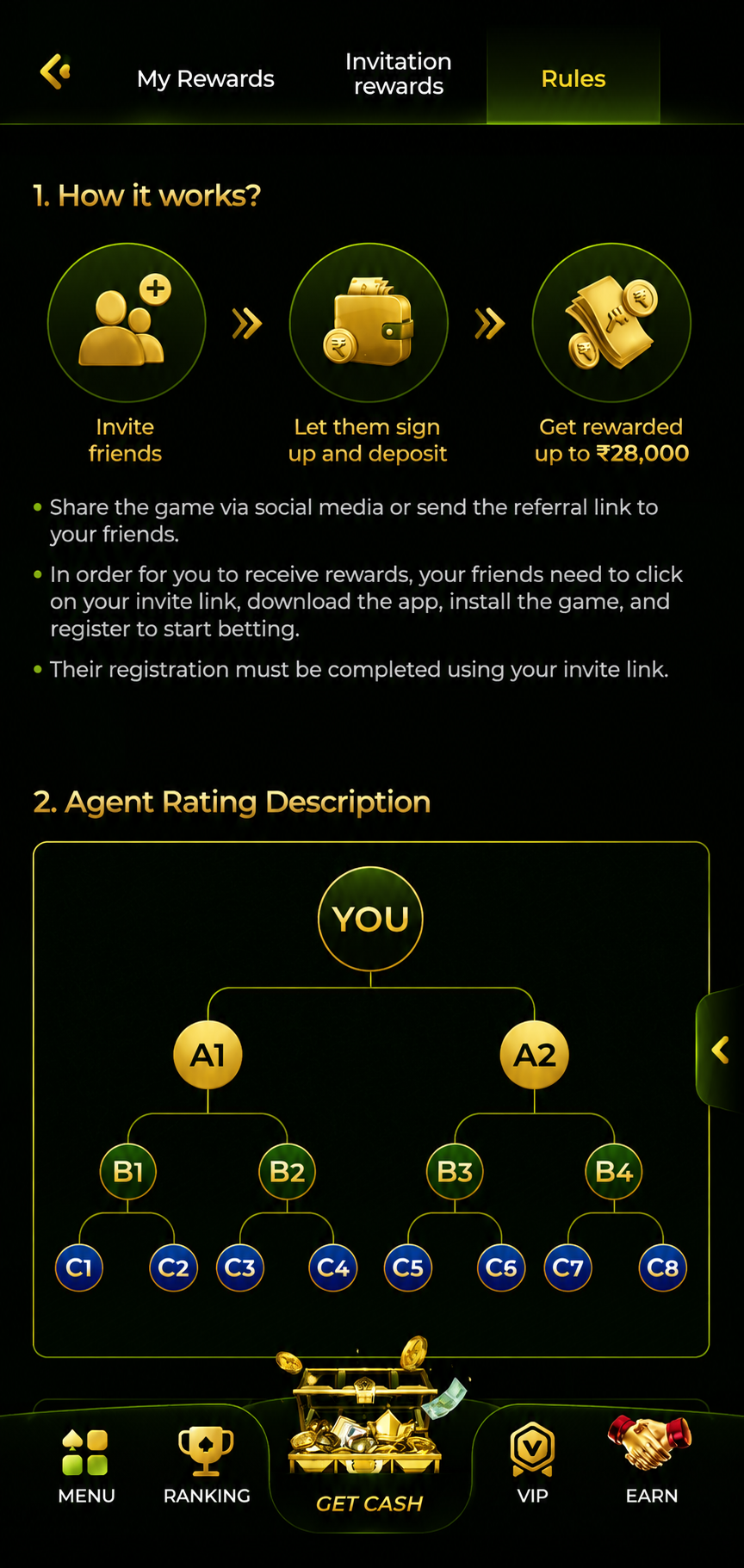
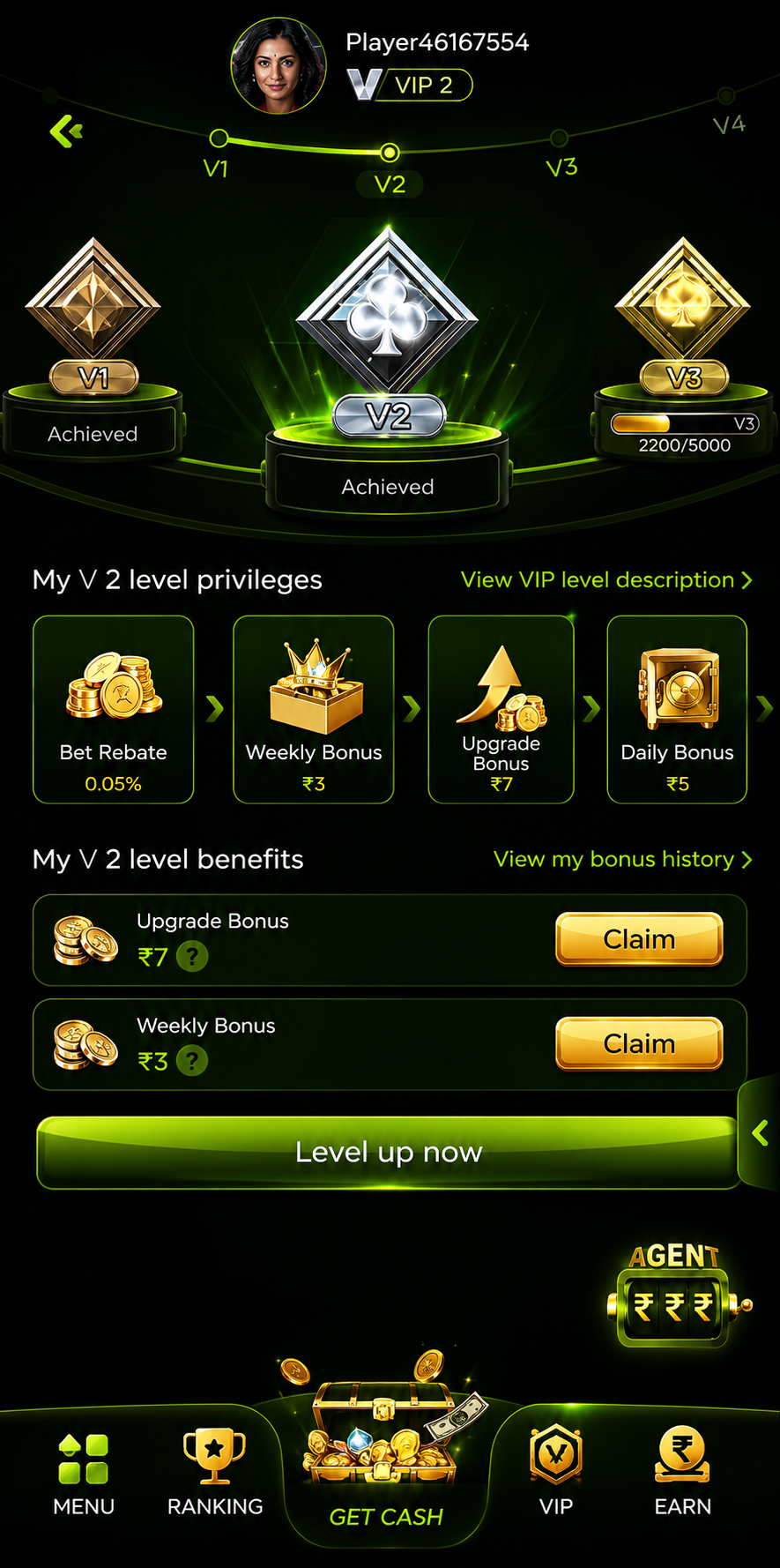
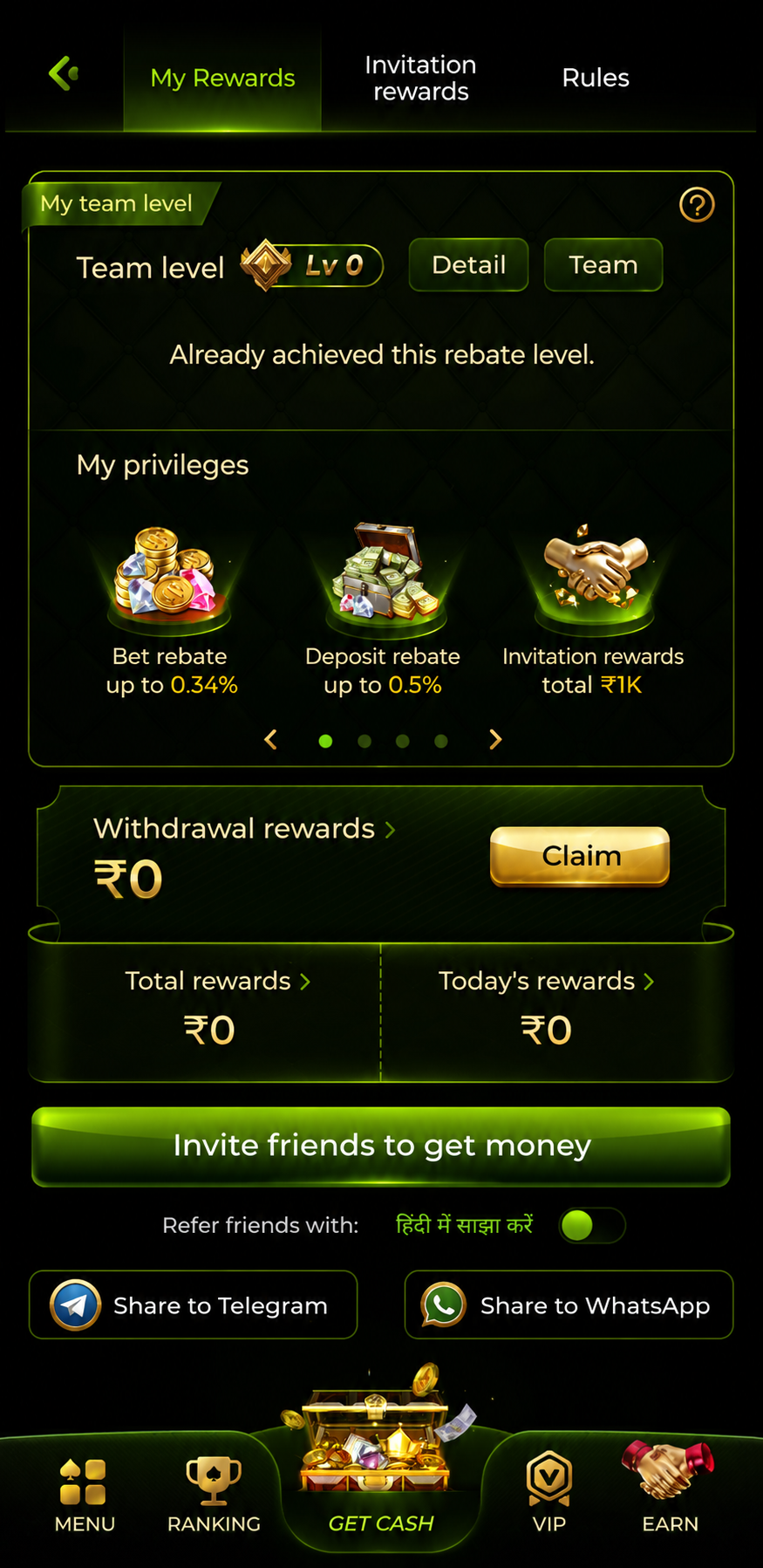
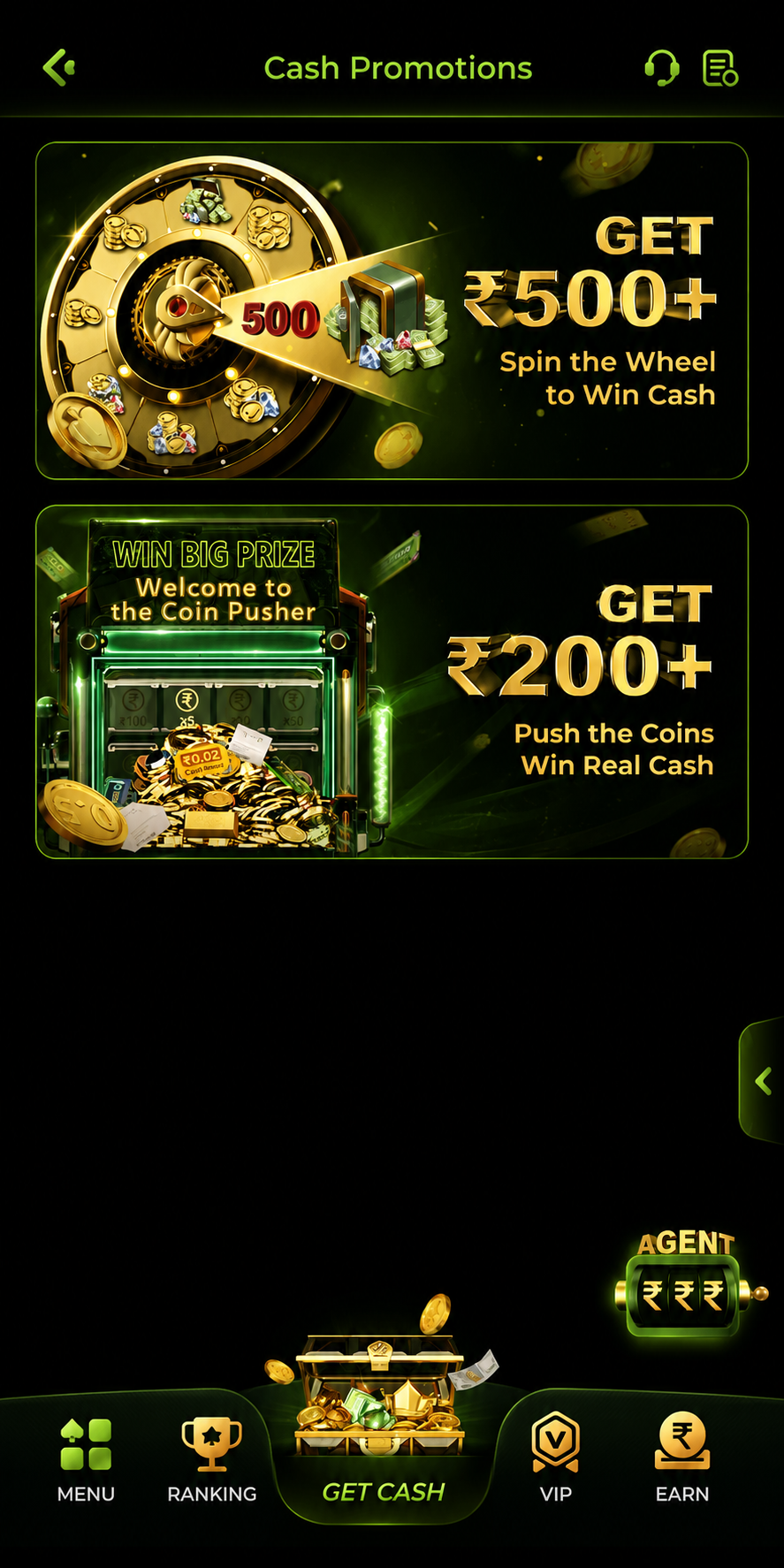
Real screenshots from the 365in app — every game, every win, live.